
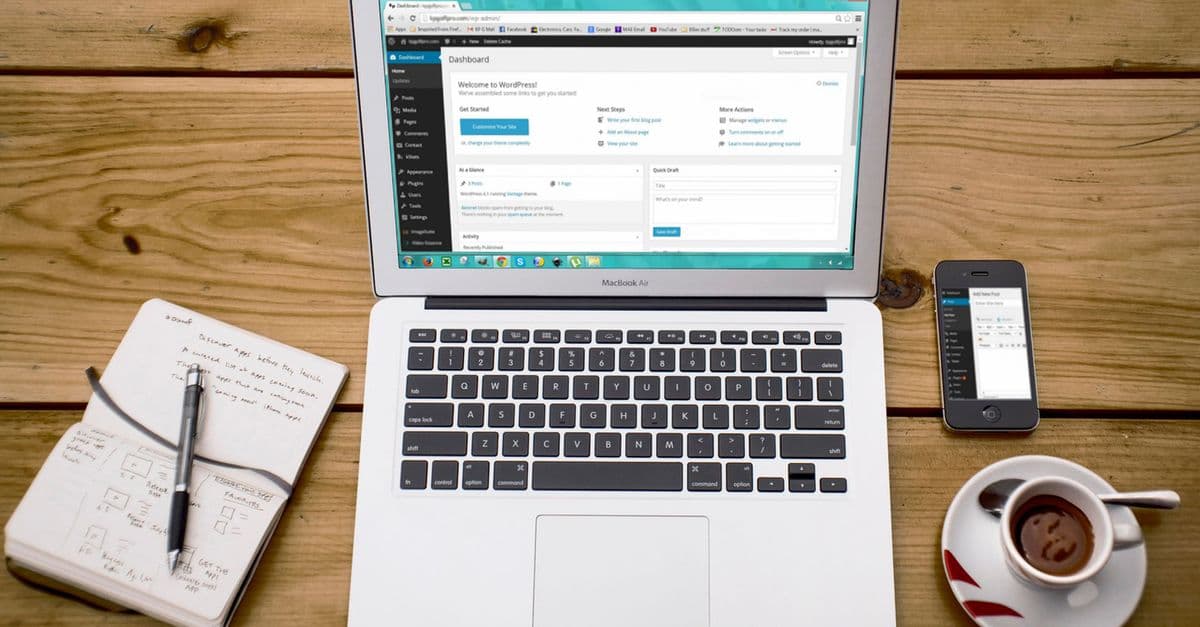
Top 10 Essential WordPress Security Best Practices
WordPress is the world’s most popular Content Management System (CMS), powering over 40% of websites globally. However, its popularity makes it a prime target for malicious attacks. Ensuring your WordPress site is secure is essential to protect your data, maintain site integrity, and preserve your reputation. Here, we delve into the top 10 essential WordPress security best practices that every webmaster should implement to safeguard their WordPress website effectively.
1. Keep WordPress Core, Themes, and Plugins Updated
One of the simplest yet most effective methods to secure your WordPress site is to ensure that the WordPress core, along with any themes and plugins you use, are up to date. Regular updates do not only bring new features but also patch vulnerabilities, making it crucial for security.
- Automatic Updates: For minor updates, WordPress automatically installs patches, but major upgrades need manual attention.
- Theme and Plugin Updates: Regularly check for and install updates for any themes or plugins installed.
- Compatibility Checks: Ensure that all themes and plugins are compatible with the current WordPress version to avoid any issues.
add_filter( 'auto_update_plugin', '__return_true' );
add_filter( 'auto_update_theme', '__return_true' );
2. Use Strong Passwords and Two-Factor Authentication
Weak passwords are one of the most significant vulnerabilities in any system. Implementing a strong password policy and using two-factor authentication (2FA) can significantly enhance your site’s security.
- Strong Passwords: Use a combination of uppercase, lowercase, numbers, and special characters.
- Password Managers: Consider using a password manager to store and generate strong passwords.
- Two-Factor Authentication: Use plugins like Two-Factor to add extra security layers.
3. Regularly Backup Your WordPress Site
Backups are essential to restore your site to its former state should anything go wrong. Automated backups ensure that you have copies of your site data without having to rely on the server alone.
- Backup Tools: Use plugins like UpdraftPlus for easy and regular backups.
- Offsite Backups: Store backups in multiple locations, such as cloud storage, for increased reliability.
- Regular Schedule: Set a backup schedule that fits your site’s update frequency.
4. Implement a Web Application Firewall (WAF)
A Web Application Firewall (WAF) is a cloud-based security measure that filters and monitors HTTP traffic between a web application and the Internet. It helps protect your WordPress site from various threats.
- WAF Solutions: Services like SiteLock and Sucuri offer robust WAF protection.
- Real-time Monitoring: WAFs provide continuous monitoring against different types of attacks, such as DDoS, brute force, and SQL injection.
- Ease of Use: Most WAF solutions are easy to configure and maintain.
5. Protect the wp-config.php File
The wp-config.php file contains key configuration details for your WordPress site. It’s crucial to protect this file against unauthorized access.
- Restrict Access: Modify your .htaccess file to restrict access to this critical file.
- Move the File: Consider moving this file to a non-public directory for added security.
<files wp-config.php>
order allow,deny
deny from all
</files>
6. Disable File Editing
WordPress allows the editing of theme and plugin files directly from the dashboard, which can be dangerous in the wrong hands. Disabling this feature is advisable.
define('DISALLOW_FILE_EDIT', true);
7. Secure the WordPress Login Page
Many attempts to hack a WordPress site occur at the login page. Securing it is vital in your defense strategy against unauthorized access.
- Limit Login Attempts: Use plugins like Limit Login Attempts Reloaded to prevent brute force attacks.
- Captcha: Add Captcha to the login page to distinguish between human and automated login attempts.
- Change Login URL: Consider changing the default login URL to a custom one.
8. Use SSL for Data Encryption
An SSL certificate encrypts the data transmitted between your website and your users, providing a secure channel. It’s a critical security measure that also boosts your SEO.
- Free SSL Certificates: Services like Let’s Encrypt offer free SSL certificates.
- HTTPS Redirection: Once installed, ensure all traffic is redirected to HTTPS.
define('FORCE_SSL_ADMIN', true);
if (strpos($_SERVER['HTTP_X_FORWARDED_PROTO'], 'https') !== false)
    $_SERVER['HTTPS']='on';
9. Regular Malware Scans
Conducting periodic malware scans helps identify potential threats before they become critical issues. This can prevent data leaks and site downtime.
- Security Plugins: Use plugins like Wordfence to run quick and comprehensive scans.
- Alert Systems: Set up alerts to notify you of any suspicious changes or unauthorized access attempts.
10. Set Proper User Role Permissions
User roles determine the permissions granted to users on your site. Ensuring strict control over these roles is crucial to maintain site security.
- Limit Permissions: Assign roles based on the necessity of task-specific access to reduce risk.
- Review User Accounts: Regularly audit user accounts and remove any inactive or unnecessary ones.
Conclusion
Implementing these top 10 essential WordPress security best practices can tremendously fortify your website against potential threats. By staying proactive and employing these measures, you ensure the safety, reliability, and integrity of your digital presence. Remember, a secure site not only protects your data but also builds trust with your users.
Discussion
0 Thoughts on this article